
The shopping list
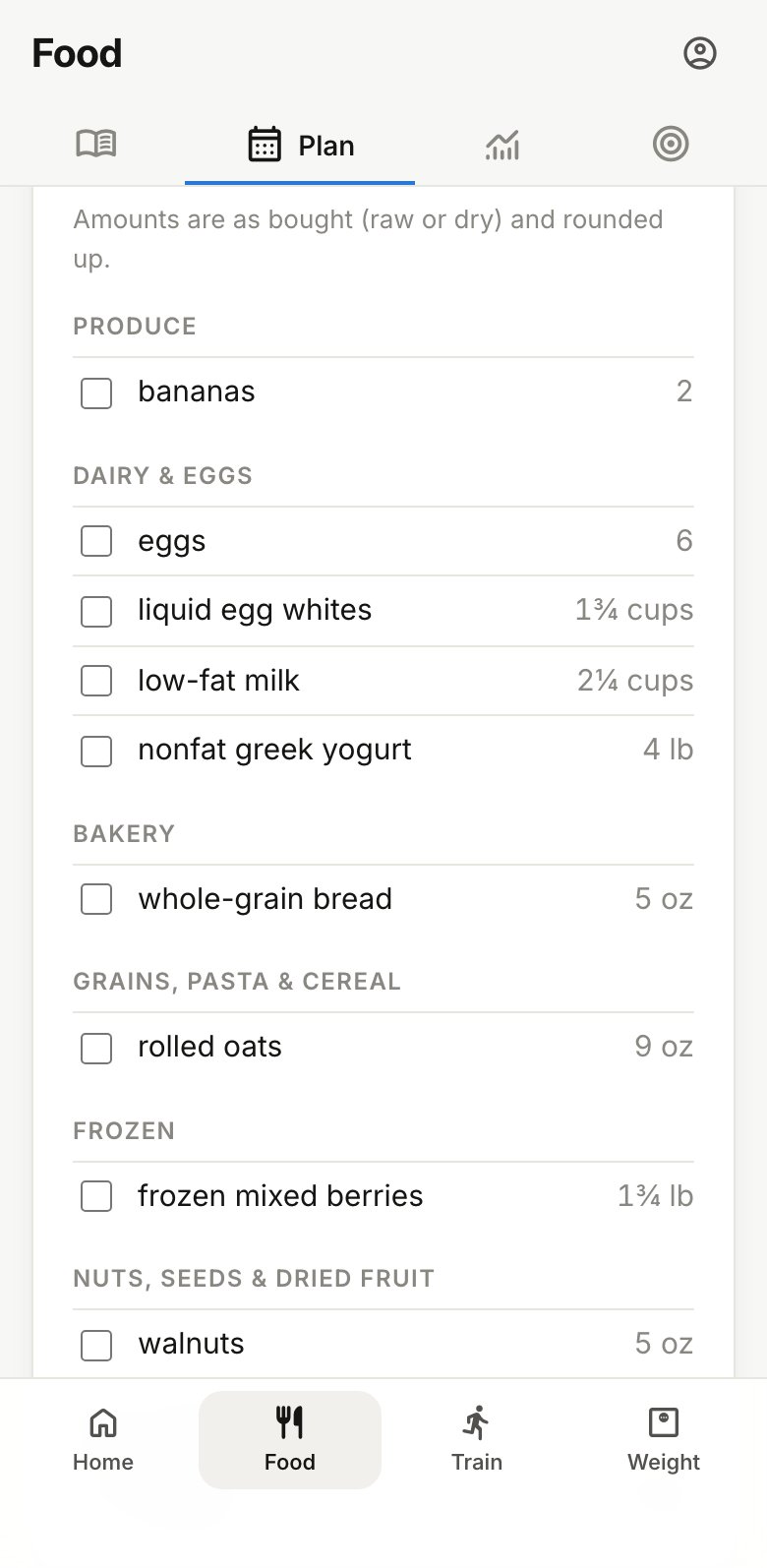
Under the plan on Food › Plan, tap Shopping list to open it. It adds up every ingredient of the week’s set meals and sorts it by aisle, from produce to the pantry.
- Amounts are as you buy them (raw or dry, not cooked) and rounded up, so you won’t come home short.
- Only days still to come are counted. In the middle of a week, the list covers today through Saturday, and the heading says which days.
- Plates and ready-made meals, like a cafeteria or takeout, add nothing.
- Tick items off as you shop. The ticks are saved on that phone or browser only, so they won’t show up on another device.
Swapping or editing a meal updates the list, so check it again after changing the plan.
Email or print the week
Under Take it with you:
- Email me sends the week’s menu and shopping list to the email address you sign in with.
- Print or PDF opens the same menu as a page. Print it for the fridge, or save it as a PDF from your browser’s print dialog.